
How AI helped me create an automatic Gym Focus—and reclaim my attention.
This morning, I got into my SUV, and my navigation app offered a route to the gym. It knew my habits.
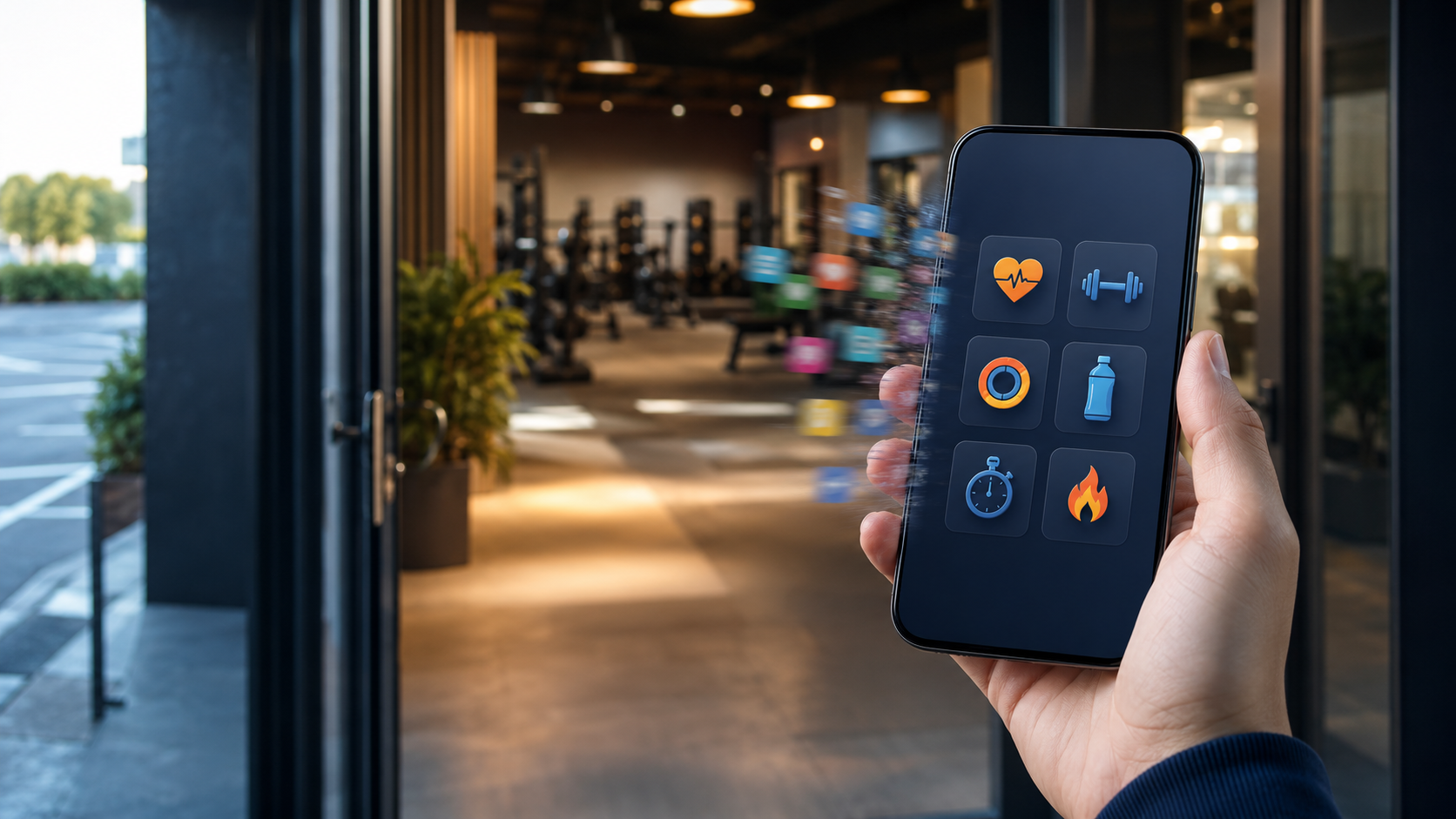
When I pulled into the gym parking lot, my phone notified me that it was time to focus on exercising. Nearly every app page on my iPhone disappeared, leaving me with only one page of exercise apps.
When I finished my workout and left the parking lot, my phone revealed all my app pages. My focused gym time had ended.
I don’t need to remember to turn anything on. I don’t have to reorganize my phone before every workout. The change happens automatically because I used AI to help me build a location-triggered Gym Focus.
But the most important part of this story isn’t what AI did.
It’s the decision I made before asking AI to do anything.
The Observation
Working out is a priority for me—but priorities need support from our environment.
I’ve noticed that our phones treat every part of our lives as if it belongs on the same screen.
Work apps sit next to entertainment apps. Fitness apps compete with email, social media, news, shopping, and games. Every time we unlock our phones, hundreds of options ask for our attention.
And unless we intervene, everything is presented with roughly the same level of importance.
While many of my apps play an important role at some point in my life, most aren’t useful at every moment.
When I enter the gym, I don’t need my entire digital life displayed in front of me. Nor do I want to be overwhelmed by the vast number of apps on my phone. I only need a small set of tools to help me exercise.
That got me thinking. What if my phone could automatically adjust its priorities when mine changed?
The Real Problem
The problem surfaced at a pool party I attended yesterday. One guy complained about the number of minutes he spent searching for the right app. He said he went through this search a few dozen times each day.
The problem: every app was being given equal access to his attention.
We often blame ourselves for becoming distracted, but our phones are designed to keep presenting us with choices. Even if we open the phone with a clear purpose, a notification, an email badge, a news alert, or a familiar social-media icon can lead us somewhere else.
At the gym, that could mean interrupting a workout to check something that could have waited until I finished.
I didn’t need more discipline. I didn’t need to go without certain apps. I needed a better environment.
The Investigation
I looked into Apple’s Focus feature, which can do much more than silence notifications. It can also determine which Home Screen pages appear while a particular Focus is active.
A Focus can be scheduled to turn on at a specific time, when a certain app opens, or when you arrive at a specific location. Apple also allows related apps and widgets to be organized on a dedicated Home Screen page. Apple explains the Focus scheduling options here and the page-customization concept in its Home Screen guide.
The capability already existed. I simply didn’t know how to turn it into the experience I wanted.
So I asked AI for help.
AI had previously given me step-by-step instructions for building a Shortcut. On another project, it even wrote an AppleScript for me. For my gym setup, I explained the outcome I wanted and used AI to walk me through the necessary steps.
This is one of the most practical ways to use AI: not merely to provide an answer, but to translate an intention into a workable process.
The Framework: Group, Focus, and Trigger
AI becomes far more useful when we can clearly explain what we want or need. Using the example of my phone’s Gym Focus, I created three decision points to guide what I provide to AI:
- Group: Which apps belong together for a particular activity?
- Focus: Which app pages should appear—and which should disappear?
- Trigger: What event should activate and deactivate that environment?
For my gym setup, the answers were simple:
- My fitness apps belonged together on one page.
- That page should be the only one visible during a workout.
- Entering the gym parking lot should activate the Focus.
- Leaving the parking lot should return the phone to normal.
Once I had made those human decisions, AI could help me handle the technical setup.
The Story
The real test came the next day when I drove to the gym, especially since I had forgotten that I had set up the automation.
I entered the parking lot, and my Gym Focus activated. The regular pages on my phone disappeared, leaving the page I had created for fitness.
My phone hadn’t become less powerful. It had become more appropriate for the moment.
After my workout, I got into the car and headed home. Once I left the location, the Gym Focus turned off, and all my regular app pages returned.
Nothing had been permanently deleted or rearranged. My phone had simply changed environments with me. And just in case, I had a button to override my automation if necessary.
The Gym Focus is a small automation, but it solves a very human problem: the difficulty of protecting our attention. You can bet I started thinking about other priorities that might need the same kind of automated protection.
The Practical AI Step
You, too, can use AI to build systems that protect your priorities. Start by writing down the different roles your phone plays in your life.
You might create groups such as:
- Fitness
- Work
- Writing
- Family time
- Travel
- Church or personal reflection
- Evening relaxation
Next, decide which apps belong together on each activity page.
Then ask AI something like:
| I use an iPhone and want to create a Focus for [activity]. I want only the Home Screen page containing [list of apps] to appear while the Focus is active. I want it to turn on when [trigger] happens and turn off when [ending condition] occurs. Give me current, step-by-step instructions. Ask me which iOS version I use if that affects the steps. |
Depending on the task and the access you give it, AI may be able to help create part of the automation. In other situations, it will serve as a patient technical guide while you build it.
Either way, review the instructions before making changes and test the automation in a low-risk situation.
The Human Takeaway
AI didn’t decide that exercise mattered to me.
It didn’t decide which apps supported that goal or which distractions interfered with it. It didn’t decide that entering the gym parking lot should mark the transition into workout time.
I made those decisions.
AI helped translate them into a system.
That is the kind of relationship we should be building with technology: humans determine the priorities; AI helps remove the friction.
Your Challenge
Look at the apps on your phone and ask:
Which apps naturally belong together—and during which parts of my day should the other apps disappear?
Create one dedicated page. Choose one Focus. Select one conditional trigger, such as arriving at a location, opening an app, or reaching a certain time.
Then ask AI to help you build it. Don’t use AI simply to help you do more.
Use it to help you focus on what matters.
Copyright © 2026 by CJ Powers

