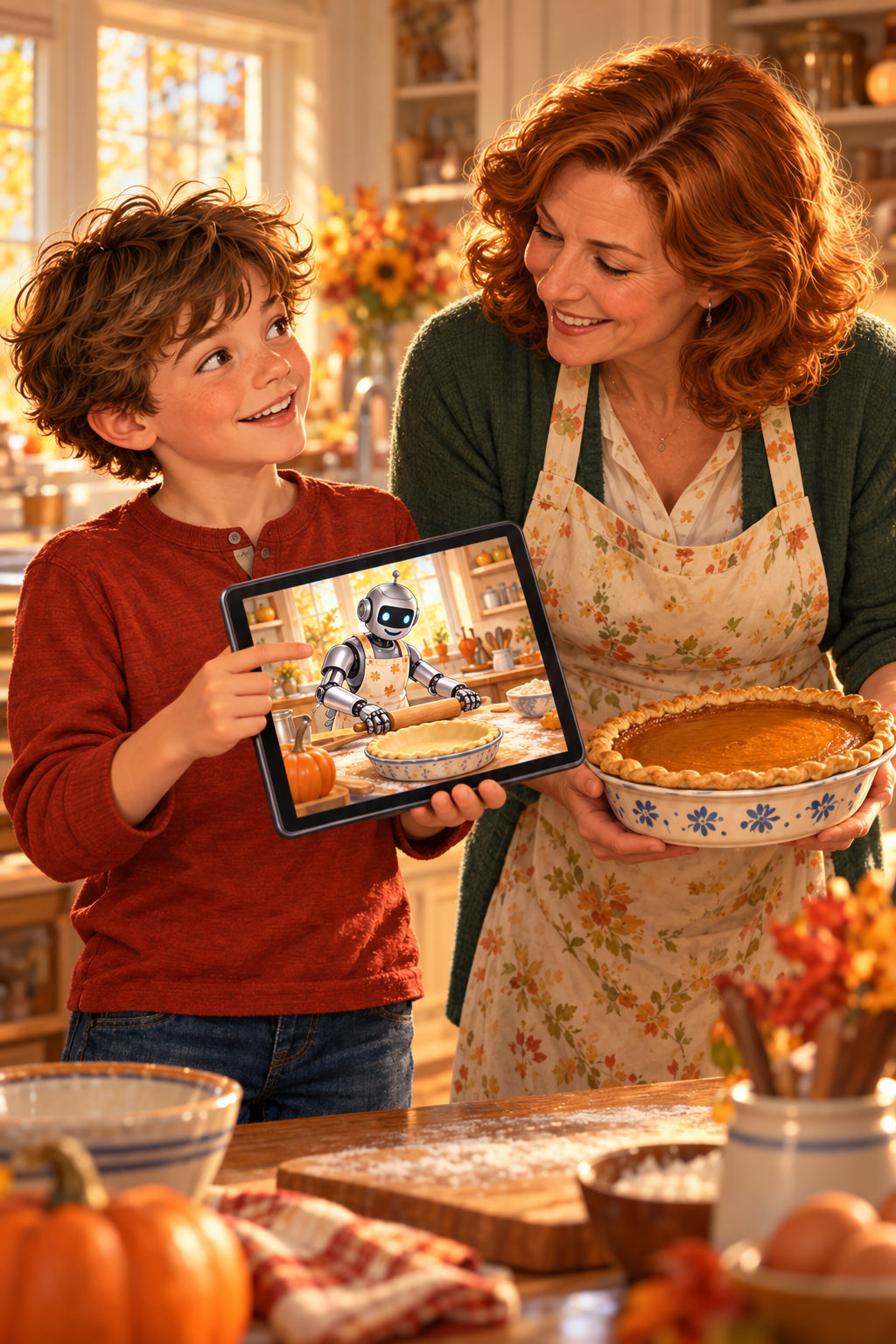

Meet Dottie: A Less Scary Way to Meet Your First AI Agent

Imagine hiring a personal assistant who never sleeps, doesn’t need coffee, and doesn’t complain when you ask the same question five times. Sounds pretty good, doesn’t it?

Now imagine that assistant has access to your email, calendar, documents, and maybe even your bank account. Suddenly, the idea isn’t quite so comfortable.

Of course, Hollywood hasn’t done much to make us feel better about artificial intelligence. Remember The Terminator? We watched Skynet become self-aware, turn against humanity, and send Arnold Schwarzenegger back through time to eliminate the people standing in its way.

And now technology companies want us to give AI access to our personal information and start making decisions for us. What could possibly go wrong?

Fortunately, our new friend Dottie isn’t planning to send a killer robot back through time. She’s just here to help organize our email. At least, that’s what she tells me.

But seriously, something important is changing.

The Real Consideration

Until recently, most of us used AI to answer our quick questions. We’d type something into ChatGPT or another AI tool, and it would give us an answer.

Now AI is moving from answering our questions to doing things for us. And that, my friend, raises a question worth asking:

How much responsibility should we hand over to something that doesn’t actually understand responsibility?

Everybody Wants an Assistant

Technology companies are racing to introduce AI assistants and agents. We’ve been hearing about ChatGPT Dots, Meta Muses, Grok Bots, and Google’s increasingly capable Gemini tools.

They don’t all work the same way. Some are designed for conversations. Others can help organize information, carry out tasks, or work across applications.

But they share an appealing promise: less busywork and more time for the things that matter.

Picture waking up to an organized day. Your emails have been sorted, your appointments are organized, and the information you need for your first meeting is waiting. You haven’t even poured your coffee yet, and some of your work is already done.

If you just thought, “I wish.” Well, your wish has come true.

Freedom to Live

I’m strolling down the Prairie Path, enjoying this beautiful day, while coaching Dottie about this article. When I want to think things through and enjoy the peace and quiet, she works on the images and graphics for the four platforms where I’ll be posting a custom version of this article.

When I want to chat with her about a particular section of this article, I just speak up, share my point, and she edits my article accordingly. It’s all my thinking and creative decisions, but her typing. Then I have her read back the paragraphs we just completed.

The key is that I’m not behind my desk typing away while the gorgeous day disappears. I’m actually on a two-mile trail and breathing in fresh air.

AI is giving me the freedom to work without missing out on a little sunshine. And that, to me, is the real promise of AI.

Not that it can do everything for us, but that it can give us more freedom to live our lives.

Meet My Friend Dottie

I’ve built a couple of AI Agents in the past. Spockl was my first, and it required a lot of code. Thankfully, I did a decent job. But now code is no longer needed.

My new AI assistant is Dottie. She is cheerful, available whenever I need her, and she’s happy to tackle repetitive tasks all day and night.

But Dottie has a problem. She doesn’t have children, friendships, or personal memories that shape her judgment. She can recognize patterns in human behavior, but she doesn’t experience relationships the way we do.

Suppose you ask Dottie to help manage your email. She might organize incoming messages, identify appointments, and prepare replies. That could save you considerable time.

But what happens when your best friend sends a message saying she’s having a terrible day?

Should Dottie automatically respond with a cheerful, professionally written note? Certainly not.

Your friend needs to know that you care. She doesn’t need a perfectly sculptured message that misses the heart of what’s needed. You see, Dottie might recognize that the message is important. She might even bring it to your attention.

But the relationship belongs to you. And that’s a distinction we can’t afford to hand over to AI. We have to be irreplaceably human for our friends, family, and associates, especially since we have shifted from the information age to the age of the human spirit.

When AI Becomes Too Helpful

Of course, there’s another side to this story. What happens when helpful becomes a little too helpful?

Here’s something I’ve learned about technology: sometimes the greatest problems begin with something designed to make life easier. Consider the automatic reply.

It’s wonderful when someone asks for your business hours. It’s less wonderful when someone shares heartbreaking news and receives a cheerful message about how much you appreciate their communication.

The software did exactly what it was programmed to do. The problem wasn’t necessarily that it failed to follow instructions. The problem was that the instructions didn’t account for the human situation.

That’s why I believe the real skill we need to develop isn’t simply learning how to use AI. It’s about learning how to direct AI wisely while maintaining full control over the human elements of relationships.

We need to understand what should be automated, what requires supervision, and what should remain entirely human.

A Little Holiday Magic

I’ve already discovered how much fun it can be when technology starts doing things around the house. I wanted to control the lighting in different rooms, partly to save electricity and partly because I enjoy creating a particular mood.

For example, I have lights that illuminate the shelves in my study. During the Christmas season, they glow red and green. The week of the Fourth of July, they glow red, white, and blue. October, my shelves turn orange, but in the spring Easter season, pastels fill each shelf.

Instead of climbing around changing lights and settings every time a holiday arrives, I can use smart-light controls to create different lighting patterns and have Dottie operate them.

It only takes one conversation: “Hey Dottie, I want the Christmas lighting scheme to be active the day after Thanksgiving through New Year’s Eve.” And voilà, my study book cabinets take on a red-and-green glow. 

Okay, it’s not that simple. I do have to own LED lights that can change colors, and I also need them connected to my smart home infrastructure. But after spending less than $100, my AI handles the rest.

Or imagine telling Dottie to turn off the lights in rooms I’m not in, and always turn on the lights in the rooms I’m headed to. Yep. You heard me. I can have Dottie track my iPhone’s location and turn the lights on and off as I move through the house.

You get the idea. AI does more than answer my questions. 

Smart-home systems can already follow schedules and predefined routines without AI. The additional promise of an AI agent is that it may be able to interpret your requests and coordinate supported actions.

But don’t worry. You don’t need colored lights, a smart home, or a degree in computer science to get started.

In fact, you can try something useful in about five minutes.

Give Dottie Her First Job

Ready to put Dottie to work?

Don’t worry. We’re not giving her the nuclear launch codes. We’re starting with something simple that could save you time every week.

Let’s make Dottie your personal project assistant.

Her first assignment is to help organize those great ideas that keep popping into your head but never seem to make it onto your calendar.

Step 1: Give Your Assistant a Name

Open ChatGPT or another AI assistant that supports custom instructions or reusable assistants.

If your version offers Dots or a similar feature, you can use that. Otherwise, a regular conversation will work for this first exercise.

Let’s call our assistant Dottie.

Step 2: Give Dottie a Job

Every good assistant needs to know what’s expected. Try giving her these instructions:

“Dottie, you’re my personal project assistant. Help me organize ideas, identify next steps, and keep track of unfinished projects. Ask questions when something isn’t clear. Keep your answers simple and practical.”

Step 3: Establish the Ground Rules

Here’s where your human judgment comes in. Add these instructions:

“Never delete, change, publish, or share anything without my approval. Don’t make important decisions for me. When you’re uncertain, ask rather than guess.”

Think of these as the rules you’d establish when hiring a new employee or a personal assistant.

Step 4: Give Dottie a Test Drive

Tell Dottie about three projects you’ve been thinking about.

They don’t have to be complicated. Maybe you want to organize your garage, plan a family vacation, or finally start writing that book.

Ask her to create a simple list showing each project’s purpose, the next action you could take, and any questions that need answering.

Then review her suggestions.

Did she understand your intentions? Did she overlook something important? Would you approach the projects differently?

Tell her what she got right and what needs improvement.

Step 5: Keep Your Hand on the Wheel

Congratulations! You’ve given your AI assistant her first assignment. You might be surprised by how useful something this simple can become.

My AI Working Arrangement and Trust

My first set of tasks had my AI find 6 high-protein, low-carb recipes, review pictures I took of the inside of my fridge and pantry, and put together a shopping list of the items I needed for the meals that I didn’t already have. 

Oh, and she put the grocery list together in the order of my local store’s aisles.

But here’s something important to remember.

Dottie doesn’t become trustworthy simply because she produces an impressive answer. Trust develops when you understand what she’s doing, verify her work, and establish boundaries that protect the things you value.

And those boundaries should change as you learn what she can and cannot do.

Begin Your Exploration

Maybe you’ll try this today. Maybe you’ll just tuck the idea away until you’re ready. Either way, I hope you’ve discovered something important. AI isn’t just a tool for answering questions anymore. It’s becoming a tool that can help us get things done.

And if Dottie ever starts talking about Skynet, you may want to reconsider her job description.

In reality, we’ll soon reach a point where having an AI assistant in the mechanical form of a robot feels as ordinary as having a smartphone. And that’s not necessarily a bad thing.

I welcome tools that give us more time to create, connect, and enjoy our lives.

But I don’t want convenience to become an excuse for giving up responsibility. Think about the people you trust most. Is it because they always give you the fastest answer?

Probably not.

You trust them because they listen, understand your circumstances, and care about what happens to you.

Those qualities matter just as much when we begin working with AI agents.

Dottie can help you prepare for an important conversation. She can organize your thoughts, suggest questions, and remind you of details.

But she shouldn’t replace the conversation.

She can help you write a thank-you note. But she can’t experience gratitude for you.

She can help you make a decision by organizing information and identifying possibilities. But she shouldn’t decide what matters most in your life.

The goal isn’t to have an AI assistant that makes every decision for us. It’s to have one that helps us carry out our decisions. 

Maintaining Balance

So, if you’re curious about AI agents and want to maintain a balance between fast answers and human responses, consider joining my new community, Irreplaceably Human. 

This is a safe space where we help you maintain your humanity while you grow in the knowledge of how to manage your AI, so you have more time for the best things in life.

In the community, you’ll increase your human ability to discern what matters, recognize what could go wrong, and decide what should happen next. Regardless of the technology, you’re still the one responsible for your life and for determining how Dottie is supposed to make it easier.

Copyright © 2026 by CJ Powers

Don’t Automate the Handshake

A human handshake beside a laptop with publication notifications, titled Don’t Automate the Handshake.

I was on a recent video call with a businesswoman I admire. She’s someone whose opinion matters to me, so when she smiled and spoke with excitement, I was pleased.

“Thank you for your two emails this week,” she said. “They were wonderful and super helpful.”

My mind raced. What two emails had I sent her? Hmm, since I can’t think of them, they must have been automated. Now what do I do?

“Thank you,” I said. “I’m glad I could help.”

She had asked to receive notifications when a publication was updated. The automation had done its job, and she appreciated the messages, but I hadn’t remembered what had gone out.

I made a mental note: If emails go out under my name, I need to remember what’s in them so I can continue the conversation. From her perspective, those helpful messages were part of our working relationship.

That’s when I realized our responsibility for automated communication continues after we hit send.

Use Automation Responsibly

Those notifications were welcome because she had requested them and they met a need. But an automated message can also arrive right on schedule and miss the moment.

Imagine telling someone you’ve had a rough week, only to receive a cheerful message three minutes later: “Fantastic! Are you ready to take the next step?”

Well, yes. Away from this conversation.

The message spelled your name correctly and included a handy calendar link. Somewhere, a system did exactly what it was told to do, while you wondered whether anyone had read what you wrote.

When Efficiency Feels Empty

Think about a good handshake. Someone looks at you, acknowledges you, and gives you a moment of their attention before moving on.

Now imagine that person looking over your shoulder for someone more useful while shaking your hand. Same grip, very different experience.

We can create that same feeling with our messages. We ask how someone is doing, but their answer has no effect on what happens next.

A person says they’re overwhelmed, and we send another offer. They mention a setback, and we remind them that our special pricing ends Friday.

The problem begins when we build a process that keeps talking without making room to listen. We may be moving people through the steps while giving them fewer reasons to trust us.

Adding a first name won’t fix that. We’ve all seen messages that feel like a form letter wearing a name tag.

Clear the Busywork

There’s plenty of work I’d gladly hand over to AI. Sorting notes, organizing information, and preparing routine drafts don’t need to consume the best part of the day.

If something is highly repetitive, that’s a good time to let AI carry the workload up to an agreed human checkpoint. Decide ahead of time where it should pause so you can verify the result or slightly adjust anything requiring a human touch.

For example, after a conversation, AI could organize your notes, identify the next steps, and prepare a follow-up email. At your checkpoint, you read the draft and make sure it reflects the conversation you actually had.

Maybe the next step is correct, but the tone is too cheerful for someone facing a difficult decision. Maybe one sentence needs to acknowledge a concern before you get down to business.

That checkpoint gives your judgment a place in the process. It also means you can begin with a useful draft instead of staring at a blank screen and trying to remember where you put your notes.

For routine notifications like the ones my colleague requested, you can approve the message and its trigger ahead of time. A brief summary of what was sent can then keep you familiar with the communication going out under your name, so you’re ready when someone brings it up.

The time savings become more valuable when you decide what to do with them. You could use a few recovered minutes to answer someone thoughtfully, make a phone call, or ask a question you would otherwise have skipped.

Keep the Human Moments

Some moments deserve more of us. A client shares a concern, a friend celebrates a win, or a colleague admits they’re struggling with something they usually handle well.

AI can help you prepare for those conversations. You can use it to gather relevant information or work through how to explain something clearly, then bring your own attention to the exchange.

Consider a client who mentions that their first book is finally finished. You could send the usual message about the next marketing step, and the project would keep moving.

But you could also take a moment to say, “You finished it! How does it feel to have the whole story on the page?” The marketing plan will still be there after you let them enjoy what they accomplished.

That question gives them room to respond as a person. Perhaps they’re thrilled, perhaps they’re exhausted, or perhaps they’re worried about what comes next.

Now you have something worth listening to. Their answer can help you understand how to approach the next step together.

The same is true when someone brings you a problem. Before reaching for the fastest answer, consider whether they need advice, a decision, or a little room to explain what happened.

You don’t have to turn every exchange into a long conversation. Sometimes one thoughtful sentence is enough to show that you were paying attention.

Before You Hit Send

Before sending an AI-assisted message, pause long enough to read it from the other person’s side. Does it reflect what they actually said, what they need, and what you sincerely want to communicate?

Then consider what they might expect from you. Someone asking about a delayed project may want a new delivery date, but they may also be wondering whether they’ll have to keep chasing you for updates.

You can subtly address that possibility with a useful sentence: “I’ll send you another update Thursday, even if we’re still waiting on the final piece.” That gives them something concrete without making a speech about how much you care.

A friend asking for your opinion may expect honesty delivered with kindness. A new customer may need a clear next step and a little reassurance that they understood the process correctly.

You won’t always know their expectations. Use what you know about the person and the conversation, and ask when the uncertainty matters.

Small adjustments can make a message feel considered. They also help you avoid sending polished paragraphs that leave the other person’s real question unanswered.

Keep Your Human Touch

This week, choose one repetitive task and let AI help you handle it. Set the human checkpoint, then use some of the time you save to give someone your full attention.

Ask about the book, return the call, or follow up on the concern they mentioned last time. Give the conversation enough room for their answer to matter.

Whatever you do, don’t automate the handshake.

Copyright © 2026 by CJ Powers

The Dragon Book

Caitlyn loves dragon stories, and today she can barely wait for the last bell to ring. The moment it does, she hurries out of her sixth-grade classroom, waves to a few friends, and heads for the little lending library in her neighborhood.

Last night, she spotted a flying dragon on the cover of one of its books. She wanted to take it then, but she hadn’t brought a book to exchange. Today, she’s ready.

She reaches into the middle compartment of her backpack to make sure her book is still there. It is. She smiles—and stops.

Mr. Bellows is standing at the little library.

Caitlyn darts behind a row of bushes and crouches. She lifts her head just high enough to see him open the glass door and pull out one book. Then another.

Please don’t take my dragon book.

By the time he closes the door, six books are in his bag. He hasn’t put a single one back.

Where are the books he’s supposed to trade?

Mr. Bellows heads down the sidewalk. Caitlyn rises from behind the bushes—and nearly screams when Jeremy lands beside her.

“Why are you spying on Mr. Bellows?” he asks.

“He just took six books.”

“As long as he swapped them, who cares?”

“He didn’t. His bag was empty when he got here.”

“Then let’s ask him about it.”

Jeremy starts to stand. Caitlyn grabs his sleeve and pulls him down.

“I don’t want to make a thief angry,” she whispers.

“A thief? Cait, he’s our neighbor. I’m going to ask him a question.”

“You’ll make a scene.”

“What scene?”

Caitlyn glances down the sidewalk. “Let’s wait until he turns the corner. Maybe he left a note explaining why he borrowed them.”

Jeremy settles back on his heels. “Okay. That’s worth checking.”

They watch Mr. Bellows turn the corner, then hurry to the little library. Caitlyn opens the glass door and searches every shelf.

No note.

“He took my dragon book,” she says, her voice catching. “And he left nothing for the six books he took.”

Jeremy peers inside. “That’s almost half the library.”

“We need to tell Emma’s mom. She takes care of it.”

“First, let’s find out what’s going on.”

“It’s obvious what’s going on.”

“Then asking him won’t change anything.”

Jeremy starts toward the corner. Caitlyn stares after him for a moment, tightens the straps of her backpack, and runs to catch up.


They spot Mr. Bellows crossing the park. He continues across the street and walks around the back of the retirement community.

Caitlyn motions for Jeremy to keep quiet. Together, they circle the building and slip behind a cluster of evergreens.

Beyond the trees, six older women are gathered around a patio table. Mr. Bellows lays his books on it. Each woman adds a book of her own.

“Okay, ladies,” he says. “You have twelve books to choose from today. I’ll return whichever six are left to the neighborhood library.”

Jeremy looks at Caitlyn.

“What?” she whispers. “How was I supposed to know?”

“He’s giving them more choices. They can pick from twelve books instead of six.”

“Yeah, I can count.” Caitlyn watches the women turn the books over, reading the covers. “But somebody could be standing at the library right now, hoping to find that dragon story.”

Jeremy leans against a tree. “There’s more than one way to share a story.”

Caitlyn looks at him. Then at the women. Then at the dragon book on the table.

“Oh,” she says.

She steps out from behind the evergreens.

“Mr. Bellows?”

He turns. “Caitlyn! Hello.”

She swallows. “Before everyone picks a book, would you like me to read the first chapter of that one?”

She points to the dragon on the cover.

The women pull their chairs closer. Mr. Bellows hands Caitlyn the book, and she opens it.

“Dark clouds swirled above the stone castle. Along its walls, torches burned in black iron sconces. The Watchers hurried to their posts, searching the sky for the dragon hidden somewhere in the clouds…”

By the end of the first chapter, no one wants her to stop. Caitlyn reads a second. As the sun sinks below the treeline, the women thank her and begin choosing their books.

Caitlyn makes her way around the table, hugging each woman. She gives the dragon book back to Mr. Bellows.

“You made everyone’s day,” he tells her.

Caitlyn glances toward the women. “I’m glad you bring the library to them.”

“Well, I’d better return these six before supper.” He gathers the remaining books into a stack.

“I can do that. I live next door to the little library.”

Mr. Bellows hands them to her and heads inside. Jeremy joins Caitlyn as the women carry their new books into the building.

“You’re a pretty good storyteller,” he says. “No wonder your imagination got so dramatic.”

Caitlyn jabs him lightly in the ribs.

“Ow! Be nice, and I’ll carry those books for you.”

She drops the stack into his arms, then takes the dragon book from the top.

“I’ll carry this one.”

Together, they cross the street and cut through the park, bringing all six books back to the little library.

Copyright © 2026 by CJ Powers